A Hinglish caption generator for Reels, Shorts and YouTube. Turn speech into editable Hinglish, Hindi or English captions, then give your words an animated style.
- No watermark
- Exports up to 4K · 60 fps
- Roman Hindi & Devanagari
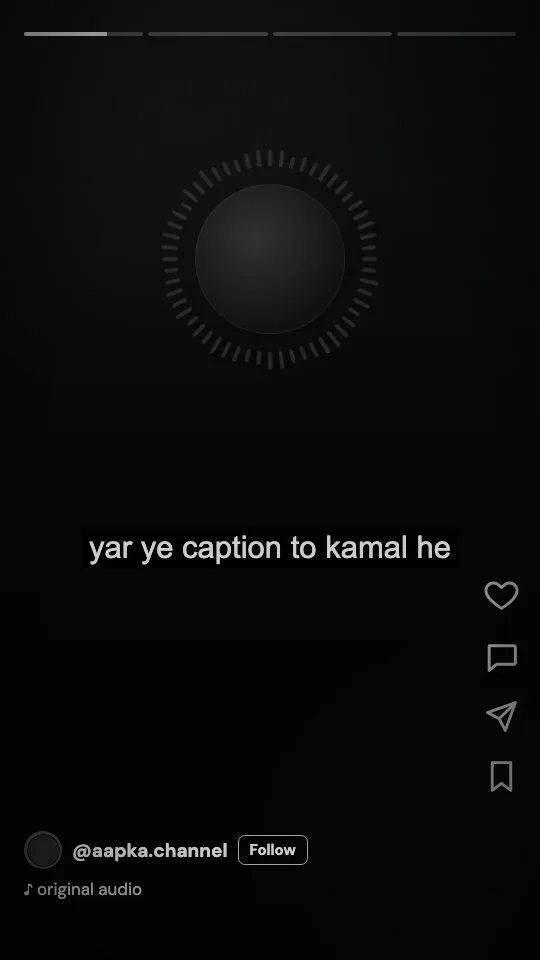
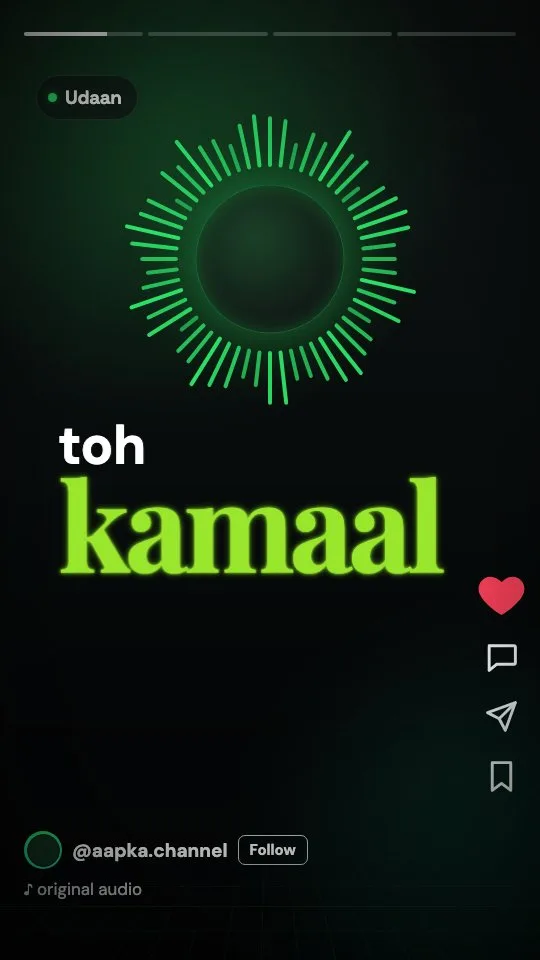
- 01A new style every scene, 20 to pick from
- 02Hinglish captions you can make your own
- 03The punchline word highlighted, automatically
Your words. Your edits. More personality.
- Hinglish captions
- Hindi subtitles
- Reels captions
- YouTube Shorts subtitles
- Animated captions
- Word-by-word highlights
- Podcast clips
- Vlogs
- Roman Hindi
- Devanagari
- SRT & VTT export
- No watermark
Auto-captions can turn “kya scene hai” into “kya seen he”. Small slips stand out. Bol is built for mixed Hindi and English, with editable captions you can shape around what you say.
From raw clip to captioned reel in three steps.Your clip.
Three simple steps.
- 01
Upload your video
Drop in a Reel, a Short or a long YouTube cut. MP4, MOV, WebM and audio files up to 1 GB.
- 02
Pick how it’s written
Choose Roman Hindi, Devanagari or English. Review the generated transcript and edit it to match your speech.
- 03
Style it and export
Choose an animated template, highlight the words that matter, and export a captioned video up to 4K at 60 fps.
20 animated templates. Zero keyframes.20 styles.
All personality.
Explore animated styles for Instagram Reels captions and YouTube Shorts subtitles. Open the studio to try them on your video.
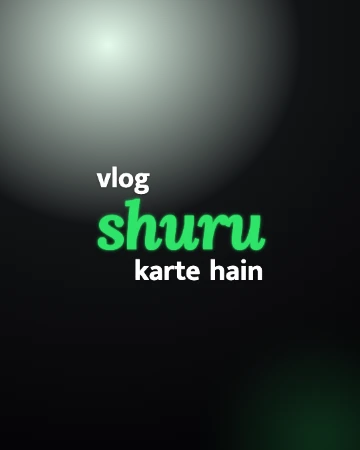
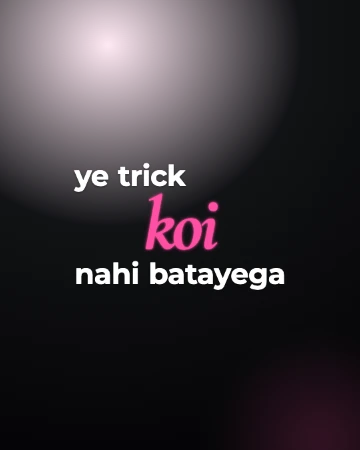
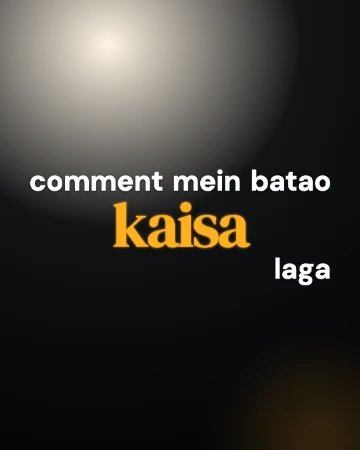
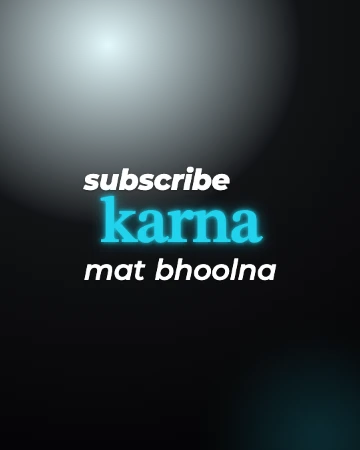
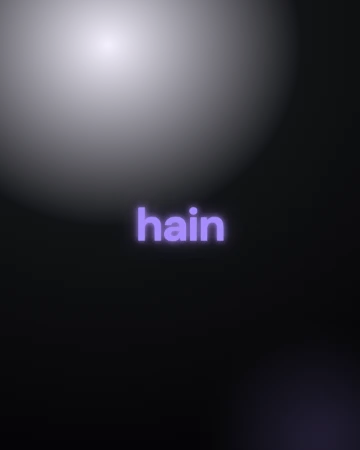
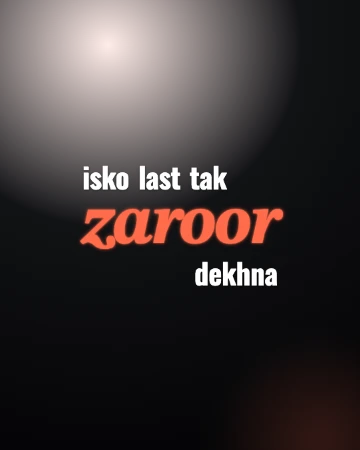
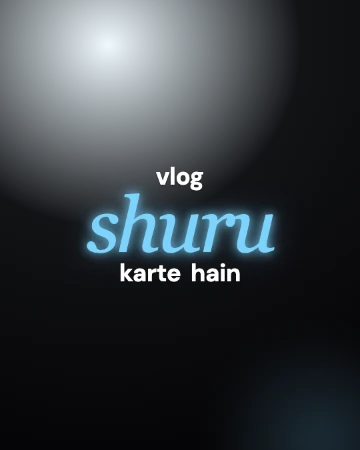
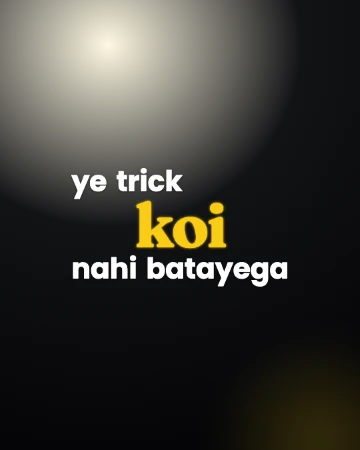
A preview of 8. Explore all 20 caption styles.
Built for the way India talks on camera.Your words.
Made for India.
Hinglish-first transcription
Designed for mixed Hindi and English, with Roman Hindi, Devanagari or English output. Review and edit words to suit your voice.
Word-by-word timing
Review caption timing word by word. Adjust starts and ends on the timeline to match your delivery.
Highlight the punchline
Bol picks one word per line to stand out. Tap any other word to make it the hero instead.
20 animated templates
Udaan, Dhamaka, Bawaal and more — motion-designed lockups inspired by pro editing presets, ready in one click.
Every frame shape
Original, 9:16 for Reels and Shorts, 1:1 for feed, 16:9 for YouTube — captions keep their place when you reframe.
Export without a watermark
Burned-in MP4 up to 4K, a green-screen caption layer for your own editor, or SRT, VTT, TXT, JSON and CSV files.
Hinglish-first transcription
Designed for mixed Hindi and English, with Roman Hindi, Devanagari or English output. Review and edit words to suit your voice.
Word-by-word timing
Review caption timing word by word. Adjust starts and ends on the timeline to match your delivery.
Highlight the punchline
Bol picks one word per line to stand out. Tap any other word to make it the hero instead.
20 animated templates
Udaan, Dhamaka, Bawaal and more — motion-designed lockups inspired by pro editing presets, ready in one click.
Every frame shape
Original, 9:16 for Reels and Shorts, 1:1 for feed, 16:9 for YouTube — captions keep their place when you reframe.
Export without a watermark
Burned-in MP4 up to 4K, a green-screen caption layer for your own editor, or SRT, VTT, TXT, JSON and CSV files.
Your content.
With more character.Your content.
With more character.
Reels & Shorts
Big, bold captions that keep people watching with the sound off.
Podcast clips
Turn long Hinglish conversations into captioned clips people can follow.
Tutorials & vlogs
Clean subtitles in the language your audience speaks every day.
Brand & UGC ads
Highlight the offer word and export in every shape the platforms ask for.
Upload your Reel to Bol Studio, choose Hinglish as the language, and Bol transcribes it word by word in Roman Hindi. Pick a caption template, adjust any word on the timeline, then export a captioned MP4 in 9:16 ready to post.
Hinglish captions write Hindi and English the way people type them on their phones, in Roman letters — “kya baat hai”. Hindi captions use Devanagari script — “क्या बात है”. Bol supports both, plus plain English.
Yes. Export captions burned into the video for Shorts, or download SRT or VTT subtitle files to upload to YouTube for longer videos.
No. Videos exported from Bol Studio have no watermark.
Yes. Every word can be retyped, split, merged, moved to another line or re-timed by dragging it on the timeline. Search and replace fixes a name everywhere at once.
MP4, MOV, WebM, AVI and MKV video, plus MP3, WAV and M4A audio, up to 1 GB per file. Exports go up to 4K at 60 fps in original, 9:16, 1:1 or 16:9 frames.
Yes. Export a green-screen caption layer and key it over your footage in any editor, or use the SRT and VTT files.
Say hello.
Questions, bugs or a caption style you wish existed. We read every message. Or write to hello@bol-studio.me.